
ONE ARCHIVE. EVERY PAGE IN ORDER.
CBZ Translator — translate a whole manga chapter at once
Translate a CBZ or ZIP directly and export an ordered translated archive. Upload up to 100 MB and 50 images, with 15 MB per image and 200 MB extracted total. Sign in, choose a reading language and review the results. Each page uses 1 credit; downloads require a purchased credit pack.
Input archive
Drop your CBZ or ZIP here
One archive · up to 100 MB · up to 50 pages
PNG, JPG and WebP pages · 15 MB per page · 200 MB total after extraction
1 credit per page. This run: 0 credits. Failed pages are refunded.
Sign in to use your available trial credits. Downloading translated images or archives requires a purchased credit pack.
Your archive is extracted in this browser. Pages upload only when you start translating.
Batch list
CBZ / ZIP → TRANSLATED CHAPTER
Your translated chapter starts here
Choose an archive to see its pages in reading order. Select any page to check the original and its translation.
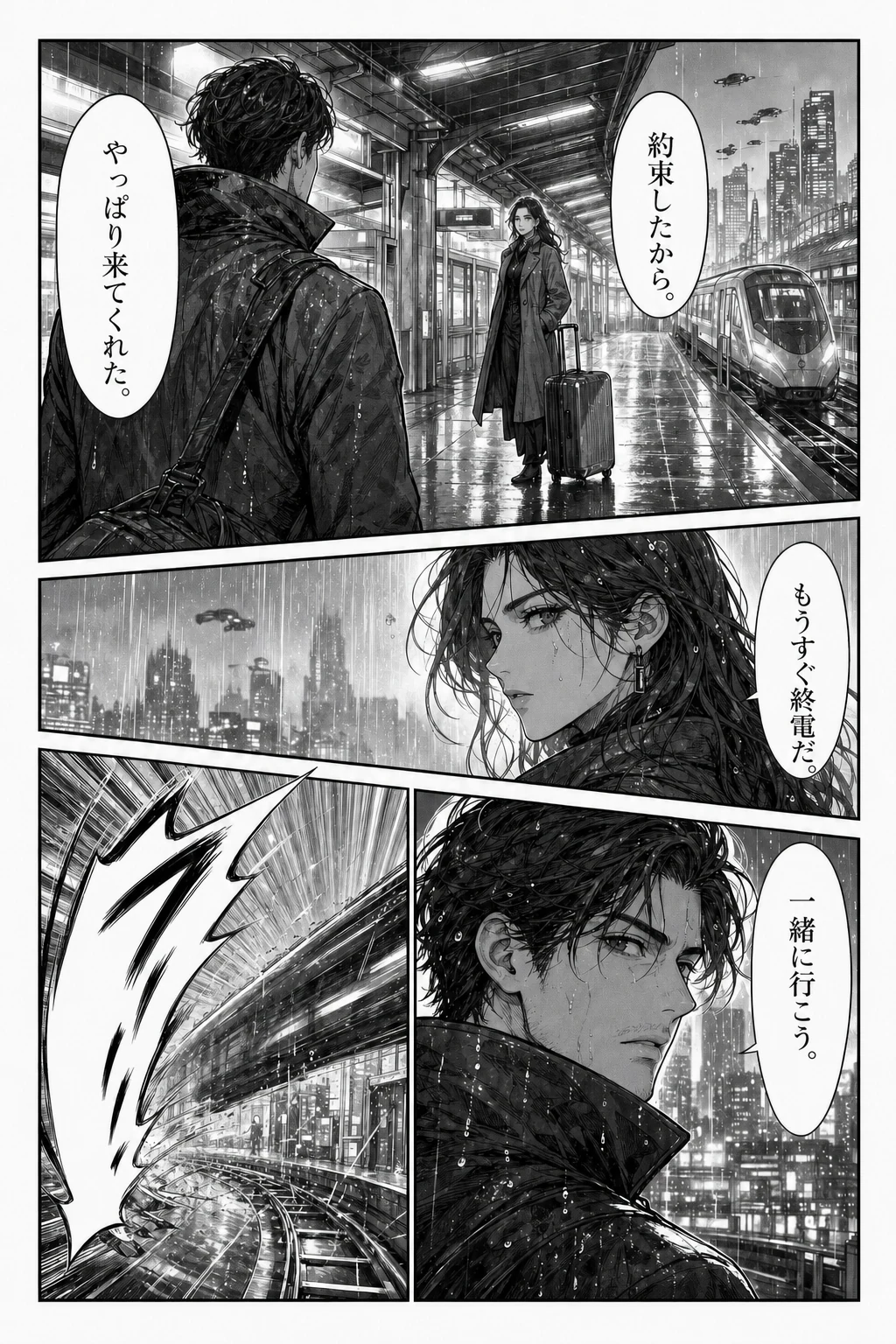
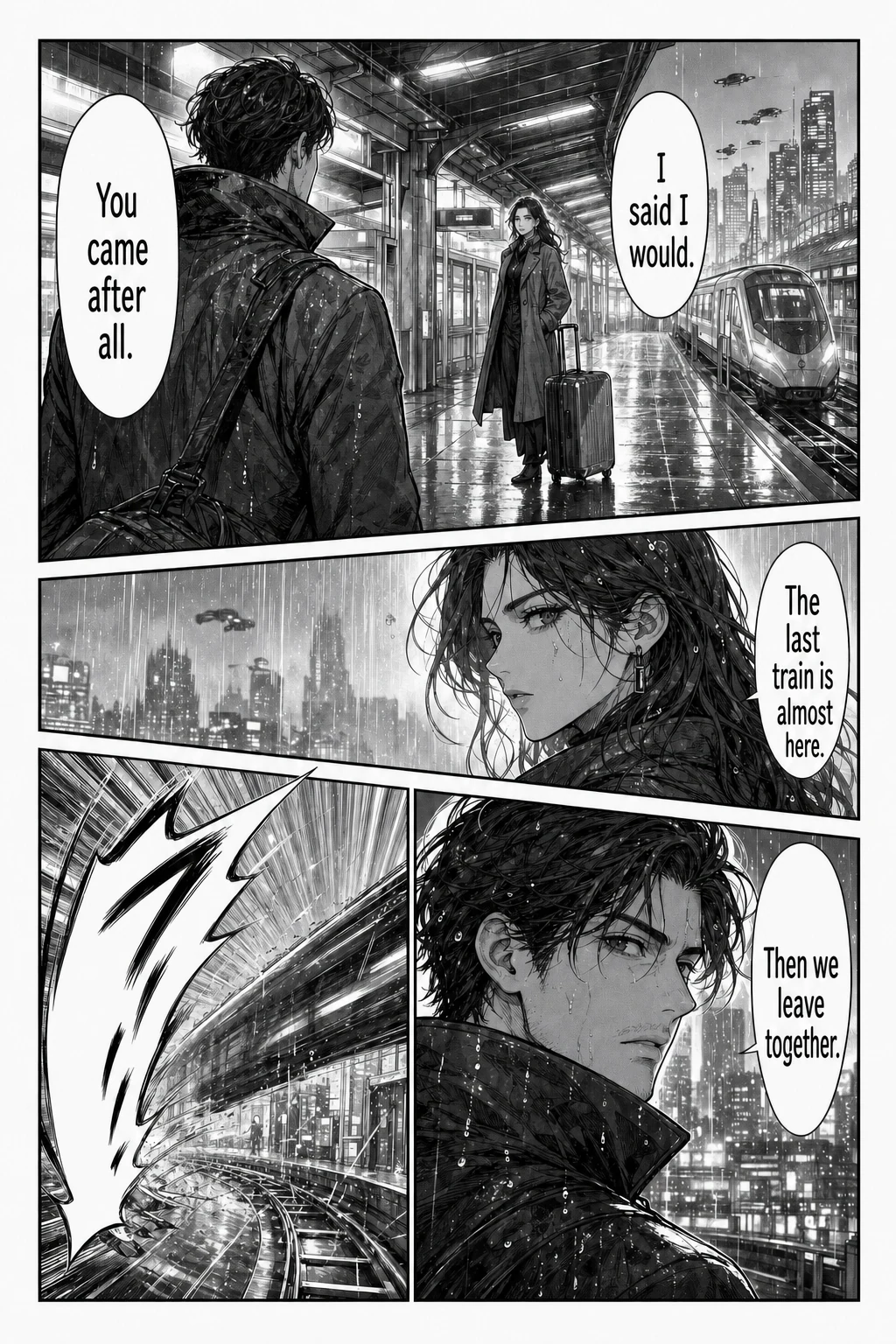
Sample manga translation. Your own pages will appear here.
Translate every selected page to enable archive download. Remove a page only if you intentionally want to leave it out.
Text and layout settings
Keep this tab open while translating. A pause finishes the current page; leaving the page stops the remaining queue.
Completed page translations are also saved in your account history. This archive queue is kept only in this tab.
At a glance
Translate a whole manga chapter from one archive. Check the limits before you upload.
| Input | One .cbz or .zip file containing PNG, JPG, JPEG or WebP pages, including pages inside folders. |
|---|---|
| Limits | 100 MB per archive · up to 50 image pages · 15 MB per page · 200 MB extracted in total. |
| Output | An ordered CBZ or ZIP of the translated pages, available once every selected page succeeds. Numbered filenames keep the reading order; metadata such as ComicInfo.xml is not copied. |
| Languages | Japanese manga, Korean manhwa and Chinese manhua pages; 133 reading languages to choose from. |
| Account | Sign-in required. Trial credits for new accounts depend on current account settings; check your balance after signing in. |
| Cost | 1 credit per page. Credits for failed pages are refunded automatically. |
| Downloads | Saving results requires a purchased one-time credit pack. No subscription; purchased credits do not expire. |
A good fit if you
- have a chapter as a CBZ or ZIP and want a translated CBZ back for your comic reader
- care about page order: page 2 should come before page 10
- want to retry a failed page without paying for the whole chapter again
Look elsewhere if you need
- PDF, CBR/RAR or EPUB input; convert those to CBZ or images first
- a full volume over 50 pages in one archive; split it into chapters
- password-protected or nested archives
Facts checked against the live product on 2026-10-22.
How to translate CBZ in three steps
Open the archive, translate its pages, then save a chapter you can read.
- 01
Upload a CBZ or ZIP
Choose one manga archive. The CBZ translator extracts supported images in your browser and sorts numbered filenames naturally: page 2 comes before page 10. Check the page list before spending credits.
- 02
Choose English and translate
English is selected by default. You can choose another target language and adjust text settings. Sign in, check the displayed credit cost, then translate the selected pages. Each page uses the same manga translation service as our image tools.
- 03
Review and download your chapter
Compare the original page with the translated result. Retry any failed pages without translating successful pages again. Once all selected pages are ready, download a CBZ for your reader or a ZIP of the translated images. Downloads require a purchased credit pack.
Translate CBZ to English, with the text back on the page
The CBZ translator turns an archive of manga images into translated image pages. It sends each page through our existing manga translation service to read the text, translate it, and place the result onto the page. You get readable comic pages rather than a separate transcript.
To translate CBZ to English, leave English selected and try a chapter with clear scans. Japanese manga, Korean manhwa and Chinese manhua can be processed through the same workflow. Tiny lettering, unusual fonts, vertical text and sound effects may need a closer check. AI translations can miss context; review important dialogue before sharing your results.
An ordered chapter, from the first page to the last
A CBZ translator should make a chapter easier to read, including its page order. This tool sorts the full image paths by filename with numbers in their natural order. Folders are included in that sort, so keep chapter and page names consistent. The batch list shows the exact order that will be exported.
Your translated CBZ or ZIP uses numbered image filenames to keep that order stable in comic readers. The file extension follows the actual translated image format. Cover art is treated like any other supported image. Non-image metadata, such as ComicInfo.xml, is not copied to the new archive, and skipped files are counted before translation.
What can this CBZ translator open?
Add one .cbz or .zip file containing PNG, JPG, JPEG or WebP pages, including pages inside folders. The archive limit is 100 MB, with up to 50 image pages, 15 MB per image and 200 MB of extracted images in total. Larger books need to be split into smaller chapters first.
CBZ is a ZIP-based comic archive. A CBR uses a different archive format, so renaming a CBR to CBZ will not convert it. This CBZ translator does not open CBR/RAR, PDF, EPUB, encrypted archives or archives nested inside other archives. Unsupported image formats are reported before translation; the tool does not quietly drop those pages.
Have a PDF, CBR or EPUB chapter?
These formats are not imported directly, and renaming does not convert them: a CBR is a RAR archive, so changing .cbr to .cbz gives a file this tool cannot read. Extract a CBR with an archive tool, check that the pages are PNG, JPG or WebP, then zip the page images and upload the ZIP or rename it to .cbz.
For a PDF, export each page as an image with a PDF reader or converter, using zero-padded numbers such as page-001.png so the order survives. Zip the images for this tool, or add up to 20 of them to the batch translator. Fixed-layout comic EPUBs contain page images you can extract the same way. Encrypted or DRM-protected files cannot be converted or translated here.
Can I try the CBZ translator free?
You can try the CBZ translator free with any trial credits available in your signed-in account. Your account balance and the current free-use limits determine how many pages you can translate. There is no promise of unlimited free chapters, and downloading translated images or a finished archive requires a purchased credit pack.
The CBZ translator uses 1 credit per page and shows the total for the pending pages before you start. If a page fails, the existing translation service returns its credit. Retrying processes only failed or waiting pages. If you want to translate manga free before buying credits, use your available trial on a few pages to check whether the results suit your scans.
Local extraction, with page-by-page progress
The CBZ translator opens the archive locally in your browser. When you press Translate, the selected image pages are uploaded to the translation service and saved to your account history. Local extraction does not mean the AI translation runs offline.
Keep the tab open while a chapter is running. You can pause after the current page, then continue the remaining queue. Completed results stay in the list if a later page fails or your balance runs out. This tab holds the archive queue; your account history holds completed page translations. Use manga files you have permission to process.
CBZ translator FAQ
What is a CBZ translator?
A CBZ translator extracts image pages from a CBZ comic archive, translates the text on those pages and packages the results for reading. It translates the manga itself; changing CBZ to PDF or ZIP alone does not change the language.
How do I translate CBZ to English?
Add your CBZ, leave English selected, check the page order and credit cost, then sign in and translate. Review the results and retry any failed pages. When every selected page is ready, a purchased credit pack lets you download the translated CBZ or ZIP.
Do I need to extract the CBZ file myself?
No. This CBZ translator extracts supported image pages in the browser. It also accepts ZIP archives of images, including images inside folders. Metadata is skipped and counted; unsupported page formats are reported.
Can I translate a full manga chapter CBZ at once?
Yes, if it fits the limits: one archive up to 100 MB, at most 50 image pages, 15 MB per page and 200 MB of extracted images. Split longer chapters or complete volumes into smaller archives before adding them.
Is there a free CBZ translation trial?
You can use any available trial credits after signing in, subject to your account balance and current free-use limits. Each page uses 1 credit. Downloading translated pages or the complete archive requires a purchased credit pack.
Am I charged if a page fails to translate?
Failed translation tasks are refunded through the existing credit system. The remaining pages stay in the queue, and retrying does not repeat successful pages. Archive download is enabled only when every selected page succeeds, so a failed page is not silently omitted.
Will the translated CBZ work in my reader app?
The output is a standard ZIP-based CBZ containing numbered images. CBZ reader compatibility also depends on the image formats your reader supports, particularly WebP. Choose ZIP if you want to inspect the images directly; original archive metadata is not retained.
Which source languages can the CBZ translator handle?
It uses the same manga translation service as our single-page tool, including Japanese, Korean and Chinese manga. Choose your desired output language from the selector. Translation quality varies with scan clarity, lettering, layout and context.
Your next chapter, in your language
Use the CBZ translator to turn an image archive into an ordered, translated chapter. Start with the scans you already have.
Choose your CBZ archive