AI manga translator
What an AI manga translator actually does
Pick what is slowing you down.
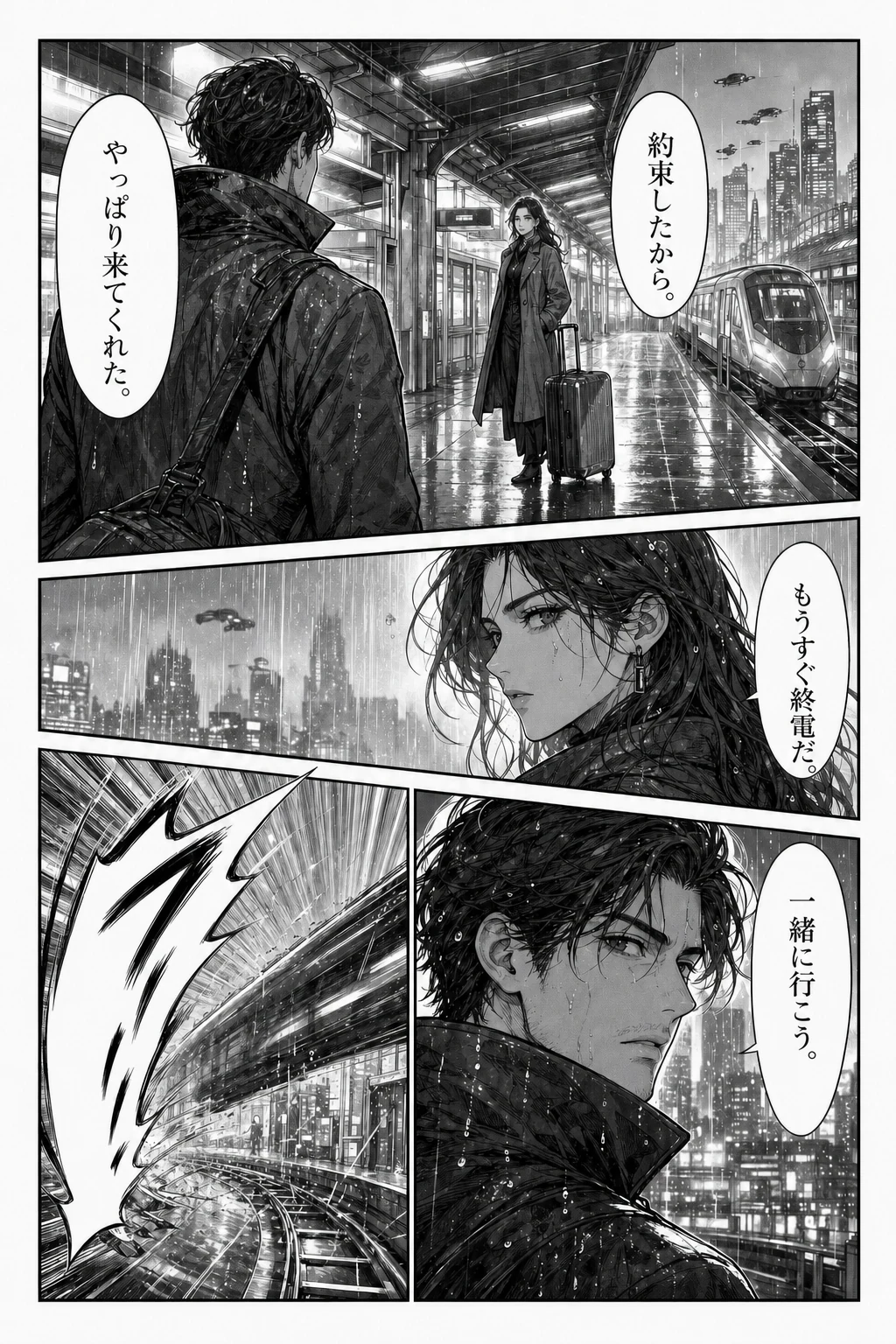
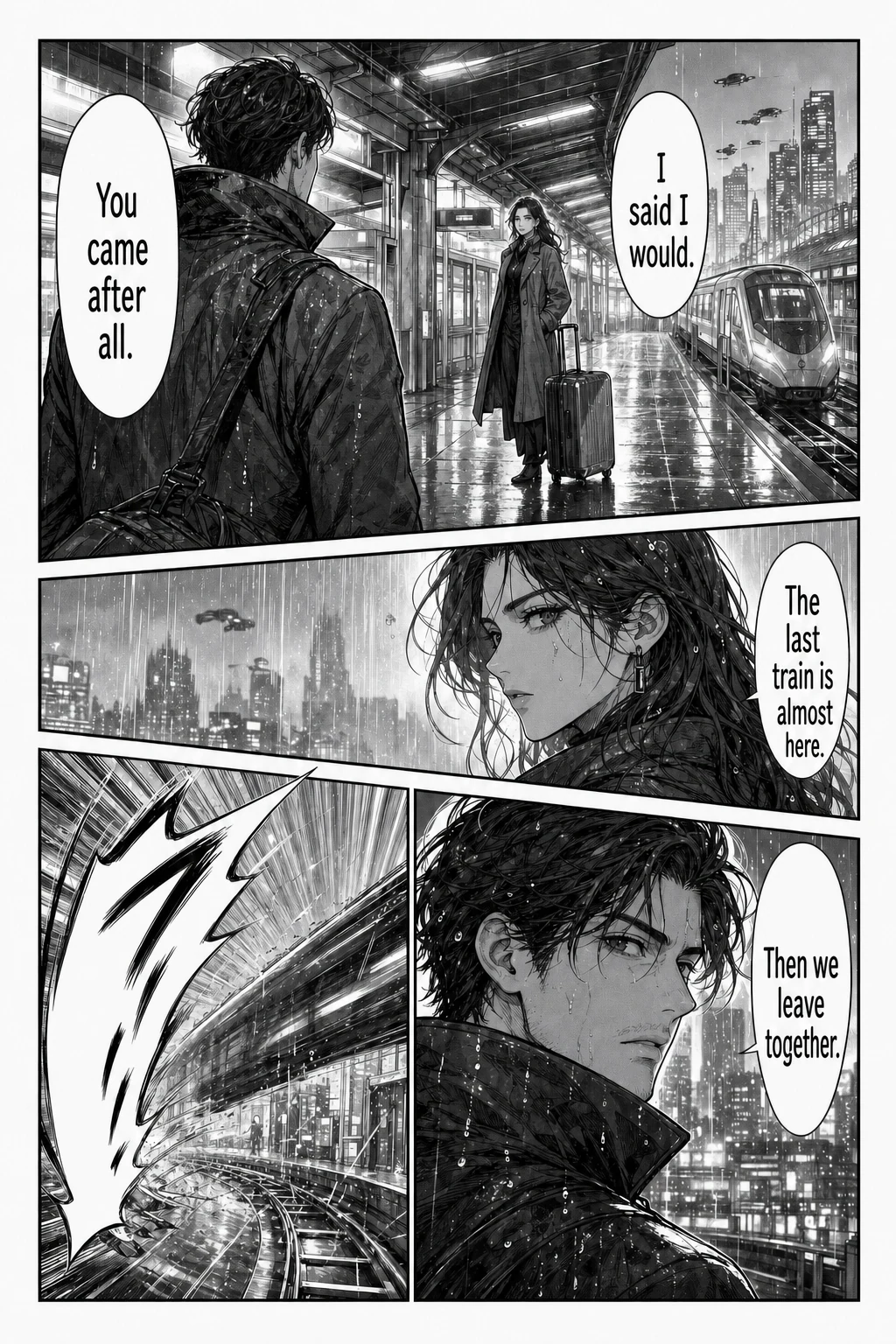
Stuck on one page?
Translate the page. Keep the art and dialogue together.
JPG, PNG or WebP. Up to 15 MB.
Translate a page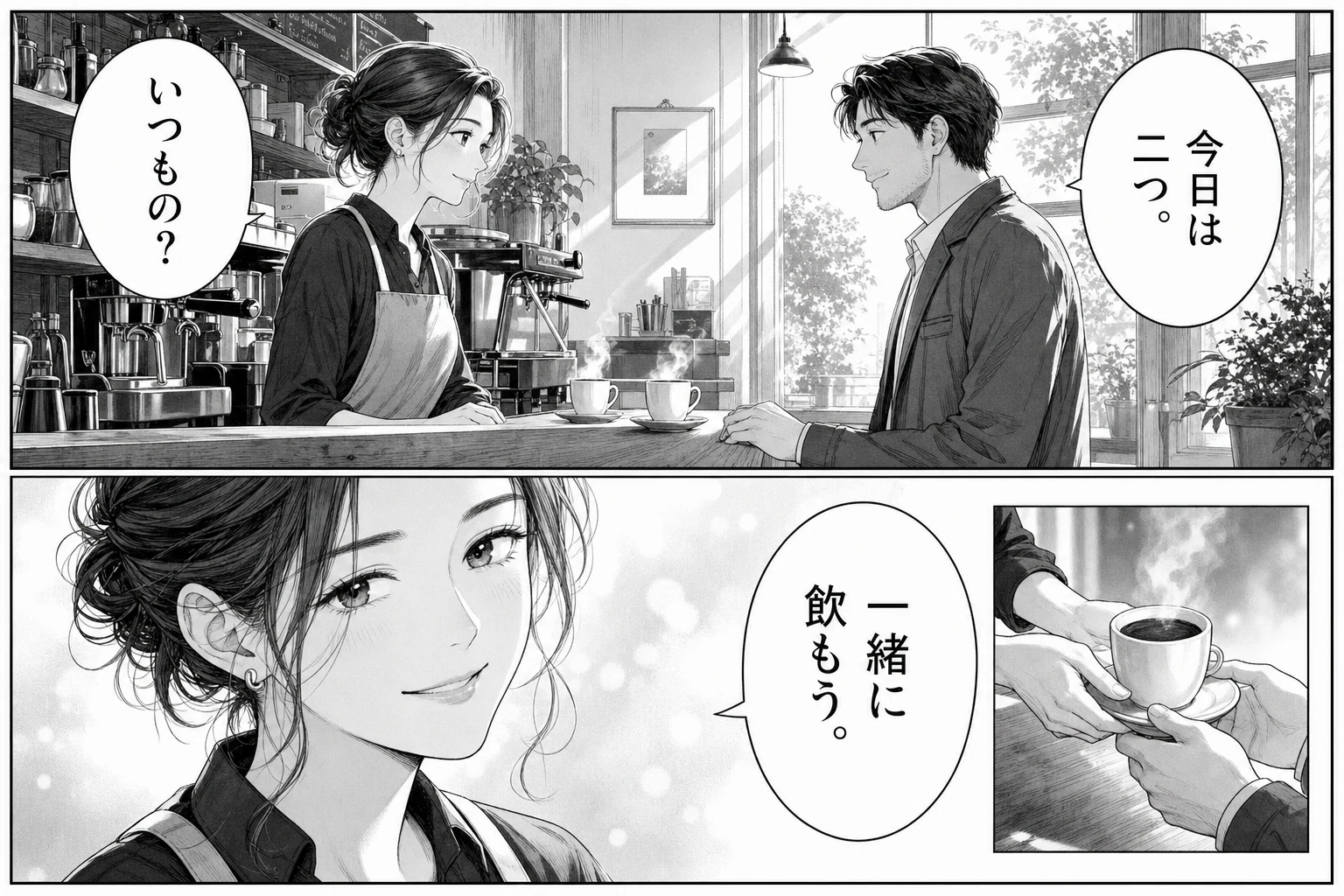
Too many pages to repeat?
Add your pages together. Follow each result without choosing a new file every time.
Up to 20 images. 15 MB per image.
Translate a batchDoes that line sound right?
Check the original scene. A name, joke or quiet reply may need a second look.
AI translation can miss context and tone.
Review tipsHow image translation helps
The chapter is available, the artwork is clear, and you still cannot follow the conversation. A general text translator helps only after you have pulled the words out of the image. That leaves you switching apps, copying short lines, and trying to remember which bubble belongs to which character. An AI manga translator starts with the page instead, so the result can be read alongside the scene that gives those words meaning.
Use this online AI manga translator for one page or a group of page images. The first step is small: choose a page you are allowed to process, select your reading language, and see whether the returned image helps you follow the dialogue. You can judge the result before deciding how much more of the chapter to translate.
An AI manga translator keeps the scene in view
Looking up one unfamiliar word is manageable. Doing it for every bubble changes the experience of reading. You stop following the conversation and start managing screenshots, copied text, and separate results. Short replies are especially awkward because the speaker, expression, and previous panel may explain more than the words alone.
Image translation keeps the original page available while you inspect a translated version. You can check a reply against the character beside it, then continue through the panels. The aim is to reduce the manual work between seeing a page and understanding it. There is still room for a dictionary or a closer reading when a particular line matters; you do not have to treat every automatic translation as final.
Start with one manga page
The single page translator is for a difficult conversation, a scan you want to test, or a first attempt in a new target language. Upload one image and keep your attention on that result. Choose a page with ordinary speech bubbles and enough dialogue to tell whether the translation is useful. A cover with one title will not show you much about reading a whole scene.
If several consecutive pages are ready, use the batch manga translator. It accepts up to 20 images and processes them in order, with a separate status for each page. You can inspect and download a completed result while later pages continue. For a longer chapter, work in groups and save each group before clearing the queue.
Choose a clear image
Both tools accept PNG, JPG, JPEG, and WebP images up to 15 MB per page. Keep the full dialogue and captions inside the image. Cropping away a bubble edge, using a blurred scan, or photographing a page with glare can remove information the translation needs. Simply enlarging a poor image does not restore missing letters.
If you are trying to translate raw manga, use the clearest permitted copy available to you. Check vertical dialogue and small background text as well as the large bubbles. Very long strips should be prepared as readable image sections before upload. These tools work with individual images, so documents and archives need to be organized into page files first.
Check names and tone
AI manga translation can produce a readable sentence while misunderstanding a name, a joke, or who is speaking. Start by checking whether the important dialogue is present, then read it in the original panel order. Compare anything that feels out of character with the source. Pay particular attention to repeated terms if you are translating several pages.
The examples on this homepage are illustrations of the interface, not evidence that your page will produce the same result. Use your own page to judge the translation. The current tools return images and provide previews; they do not include an editable glossary, an OCR correction screen, or human proofreading. If you need a finished edition for other readers, allow time for your own review and image editing.
Keep finished pages
Wait for a translated preview, then use its download action and open the saved file. In a batch, compare the number of saved images with the number marked completed. The bulk download action saves separate images and may need your browser's permission for multiple downloads. Individual download links remain available when you only want a particular page.
A failed page has its own error message and does not remove the results already completed. Read that message before retrying. The original and translated images are also saved to your signed-in account's history, so returning to completed work is different from keeping an unfinished local queue open. Avoid refreshing a running queue, and save the results you need before starting another group.
What the AI manga translator returns
You can choose a file and inspect its local preview before signing in. Starting the translation requires an account and sends the image to an online translation service. Source images and translated results are stored for account history. Check the privacy policy before uploading confidential work, and use only pages you own or have permission to process.
You receive a translated image to review and download, not a promise that every word or piece of artwork will be unchanged. Available account options are listed on the pricing page; do not assume there is unlimited free processing. Begin with one page, check how it reads in your chosen language, and move to the chapter queue when that workflow suits the material in front of you.