
Translate raw Japanese manga pages to English
Upload a raw manga page or screenshot. The Japanese, including vertical dialogue, is erased and English is lettered back into the same bubbles, so the page reads like a translated edition. Choose any of 100+ reading languages; English is selected by default.
Long, confidently detected text outside bubbles may still be translated.
Drop a manga page here
PNG, JPG, JPEG, or WebP, up to 15 MB. The preview stays in your browser until you start the translation.
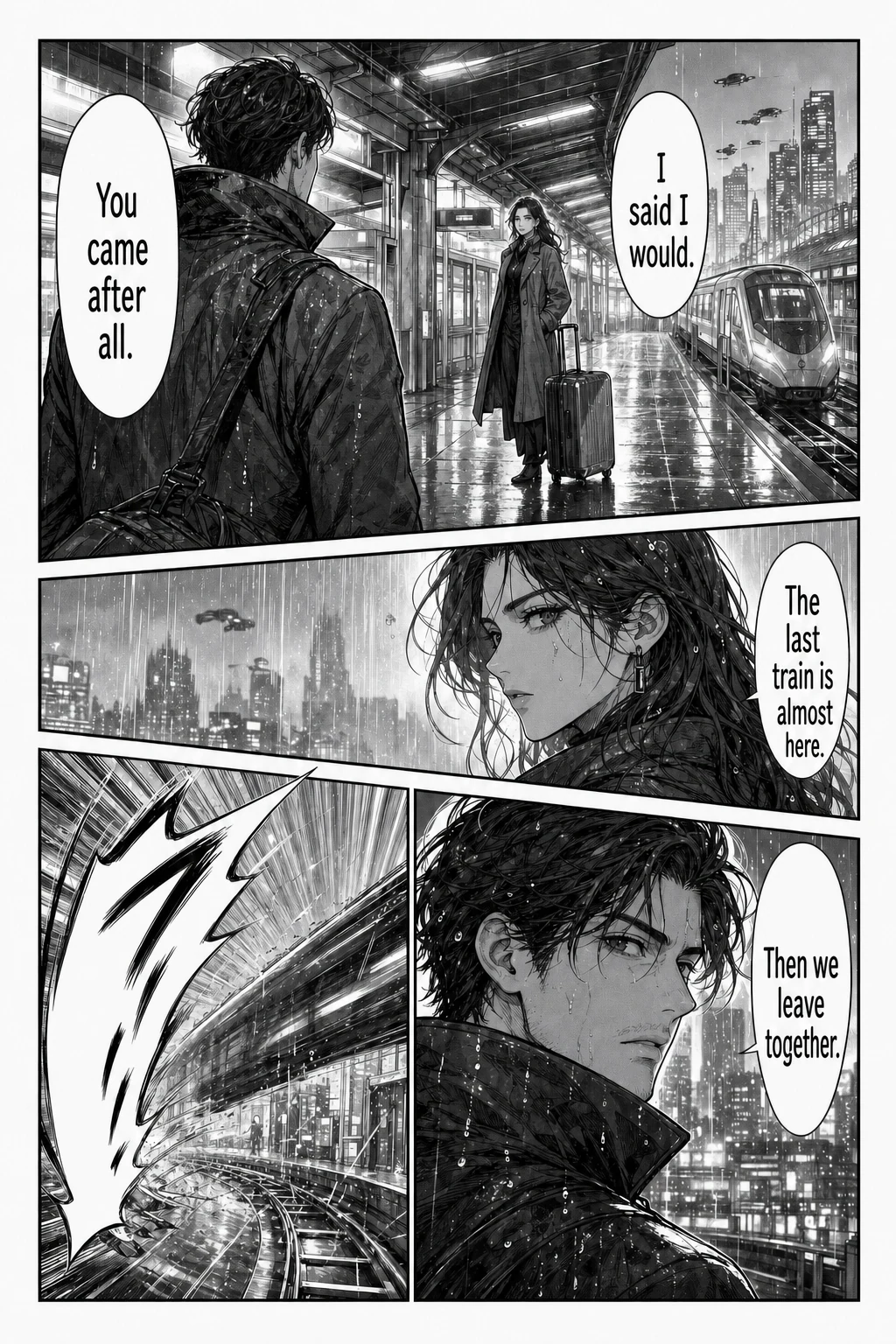
Example translated result
Your translated page appears here
Choose the target language, then start the translation.
Each page costs 1 credit. Failed translations are refunded. Image preview stays in your browser. Sign in is required before the file is sent for processing.
At a glance
The single-page tool in one table: what to upload, what you get back and what it costs.
| Input | One manga page or screenshot in PNG, JPG, JPEG or WebP. No need to crop speech bubbles. |
|---|---|
| Limits | 15 MB per image, one page at a time. For more pages, use the batch or CBZ tool. |
| Output | One translated image with the dialogue placed back on the page. Font and text settings are chosen before you translate. |
| Languages | Japanese manga, Korean manhwa and Chinese manhua pages; 133 reading languages to choose from. |
| Account | Sign-in required. Trial credits for new accounts depend on current account settings; check your balance after signing in. |
| Cost | 1 credit per page. Credits for failed pages are refunded automatically. |
| Downloads | Saving results requires a purchased one-time credit pack. No subscription; purchased credits do not expire. |
A good fit if you
- are stuck on one page or one scene and want to understand it now
- want to test translation quality on a representative page before a whole chapter
- have a screenshot of a manga, manhwa or webtoon panel
Look elsewhere if you need
- a separate text transcript of the dialogue
- editing individual lines after the image is generated
- translating a PDF page directly; export it as an image first
Facts checked against the live product on 2026-10-22.
How to translate a raw manga page
You only choose the language you want to read. The Japanese text is detected from the image itself.
- 01
Upload a clear page
Add one PNG, JPG or WebP image up to 15 MB. Use the full page rather than a cropped bubble, and the sharpest scan you have: small furigana and dense dialogue need resolution.
- 02
Pick English and translate
English is selected by default. Sign in, check the 1-credit cost and start. You can choose fonts or translate only the text inside speech bubbles.
- 03
Review, then save
Compare the result with the original, especially names, sound effects and lines spoken off-panel, before you download. Downloads need a purchased credit pack.
Japanese-to-English examples
The first three examples are Japanese pages with vertical dialogue, detailed inkwork and everyday conversation; the gallery also includes Korean and Chinese pages. Drag the divider to compare.
Rainy platform
Japanese → English
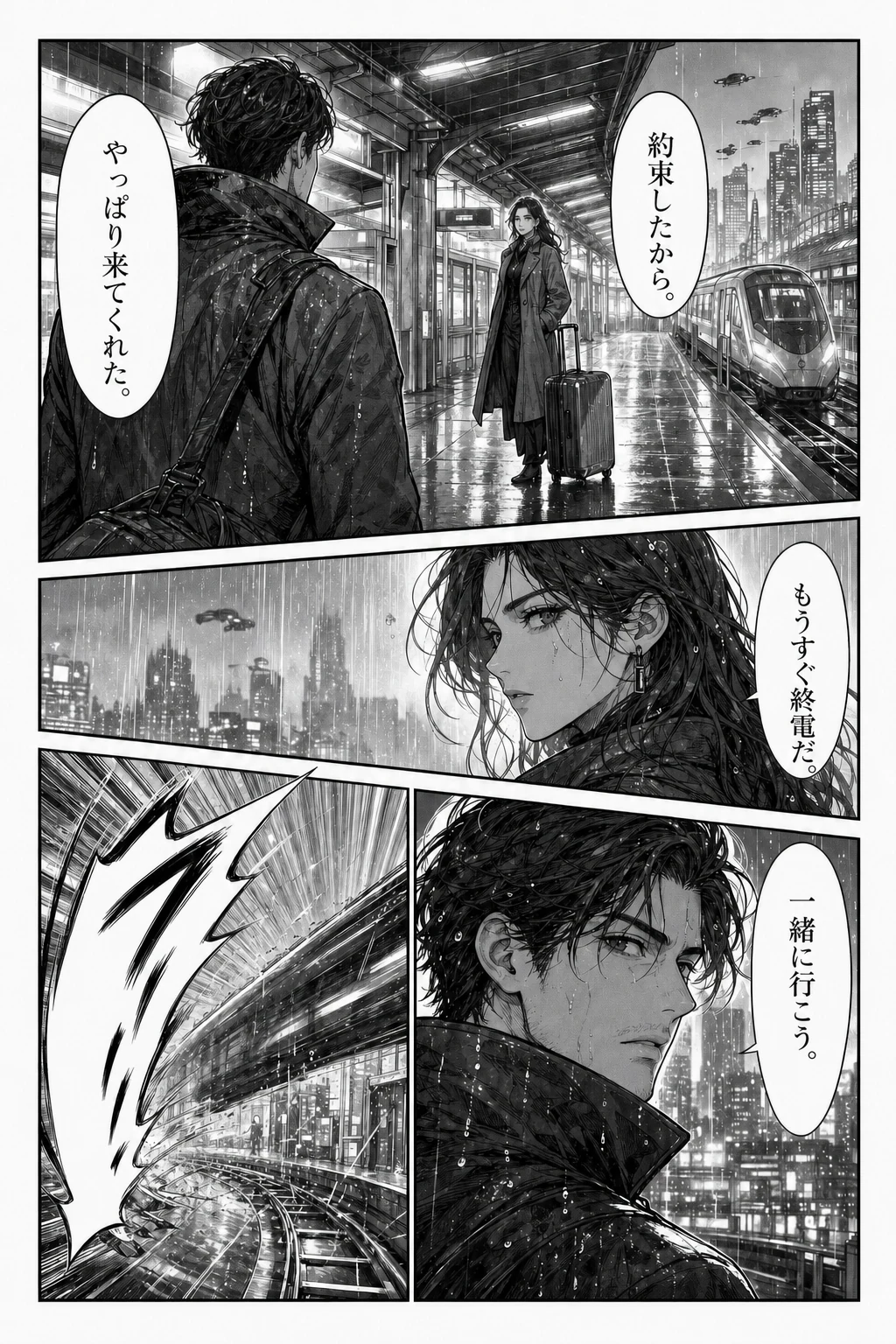
Loading comparison images…
Drag the divider to explore. You can also use the arrow keys.
Illustrative examples, not live translation results. Try your own page to judge the quality.
Vertical text, furigana and dense pages
Japanese manga usually sets dialogue vertically, right to left, in narrow bubbles. English runs horizontally and is longer, so the translation is re-lettered horizontally inside the same bubble and may use a smaller size than the original.
Furigana, the small reading aids beside kanji, can be tiny on low-resolution scans. Use the clearest source you have; blurry or heavily compressed pages are the most common cause of missed or garbled lines.
Sound effects and handwritten lettering
Katakana sound effects are often drawn into the artwork at angles, over screentones or across characters. They are harder to detect than bubble text and may be left in Japanese or only partly replaced.
Handwritten asides and stylised narration have the same issue. If an effect matters to the scene, compare it with the original; for publishable scanlation work, plan a manual lettering pass.
Honorifics, dropped subjects and names
Japanese often leaves out who is speaking or acting, and English needs a pronoun. The AI has to guess from the page, so lines spoken off-panel can get the wrong he, she or they. Suffixes such as -san, -kun, -chan and senpai may be kept, translated or dropped.
Each page is translated separately and there is no shared glossary, so a name or special term can be romanised differently across a chapter. Check recurring names before you share the result.
When another tool fits better
For a quick gist of one screenshot on a phone, Google Lens or a similar camera translator is faster, though it overlays text instead of re-lettering bubbles. If you want to study Japanese line by line, a tool that shows the original text next to the translation will serve you better than a re-lettered image.
This tool does not provide an editable transcript or a text editor after translation, does not import PDF or EPUB directly, and does not run offline. For a whole chapter, use the batch translator (up to 20 images) or the CBZ translator (one CBZ or ZIP up to 50 pages).
Japanese manga translator FAQ
Can it read vertical Japanese text?
Yes. Vertical and horizontal Japanese dialogue are detected, and the translation is lettered horizontally inside the same bubble. Very small furigana and stylised sound effects are the parts most likely to be missed.
Does it translate sound effects?
Sometimes. Sound effects drawn into the artwork are harder to detect than bubble text, so some stay in Japanese or are only partly replaced. Turning on bubble-only translation skips most of them on purpose.
Can I translate a doujinshi or a one-shot?
Yes, if you have permission to process the pages. Upload page images one at a time here, up to 20 in the batch translator, or a CBZ/ZIP of up to 50 pages in the CBZ translator. Translation does not give you rights to redistribute the work.
Can I translate Japanese manga into Chinese or Spanish?
Yes. Choose from more than 100 reading languages, including Simplified and Traditional Chinese, Korean, Spanish and Portuguese. English is only the default.
Is the Japanese manga translator free?
Each page costs 1 credit and failed pages are refunded. Trial credits for new accounts depend on current account settings, and downloading results requires a purchased one-time credit pack. It is not an unlimited free service.
Read the raw chapter today
Try one raw page first to see how your scans come out, then translate the rest of the chapter in a batch or as a CBZ.
Translate a page